
Stay Close to Patients with OmniMD Remote Patient Monitoring Software
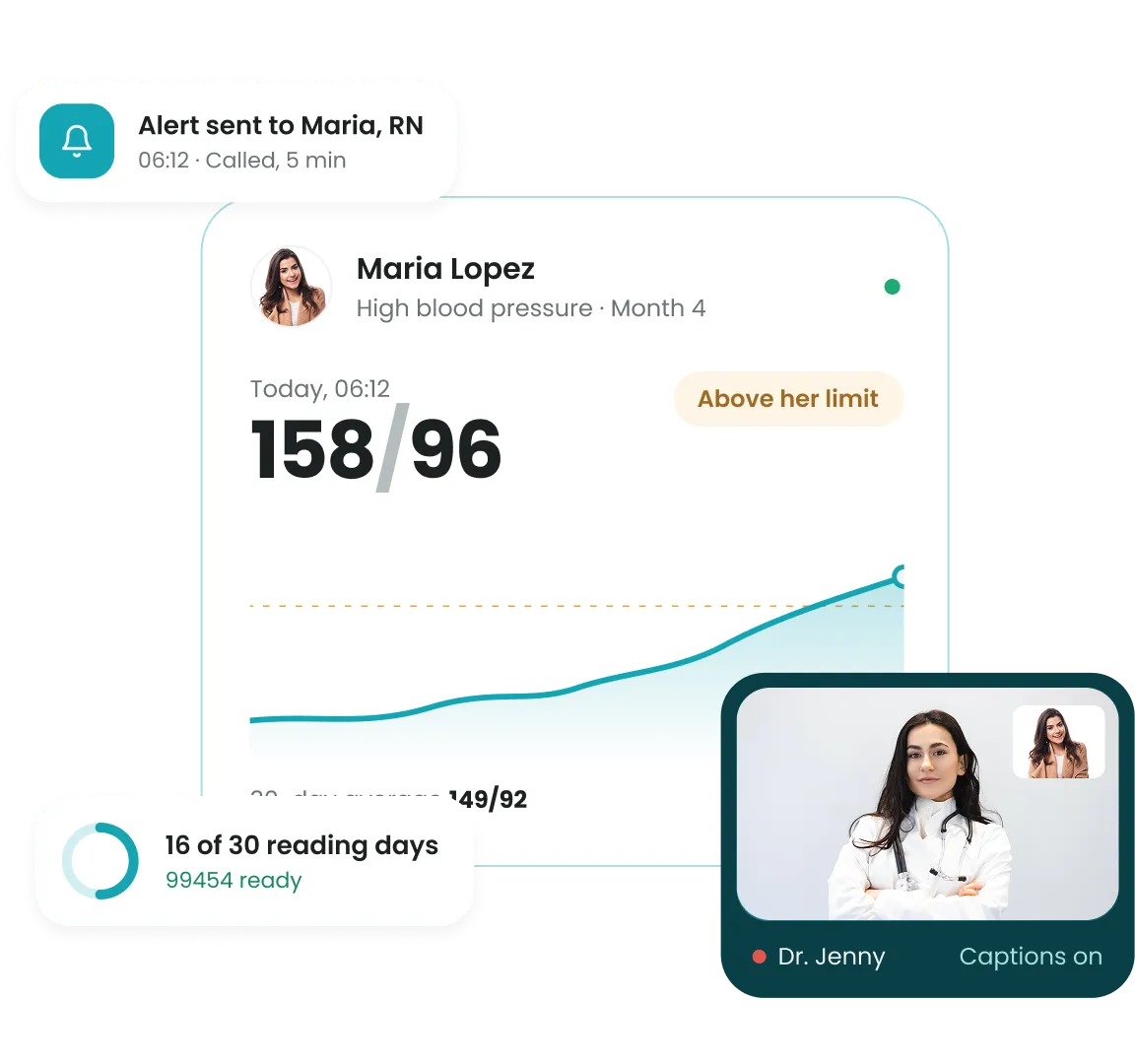
Know how every patient is doing before they call you. FDA-cleared cuffs, scales, glucometers, and pulse oximeters send readings straight to the chart, limits set for each patient flag trouble early, and your provider can open a video visit with the trend already on screen.

Care team alert inbox

Caregiver access controls

Automatic care-minute logs

Video visits inside the chart

Patient app with medicine reminders

Month-end billing readiness list
Lead the Shift to Remote Patient Care
Hearing from patients before they call is a big change from how chronic care has run for decades, with a few office visits a year and little known about the weeks in between. Home devices, video visits, and new Medicare codes now let your practice care for patients every day, and most practices are somewhere on the climb.
Equip Your Team for Remote Patient Monitoring
Monitor patients around the clock
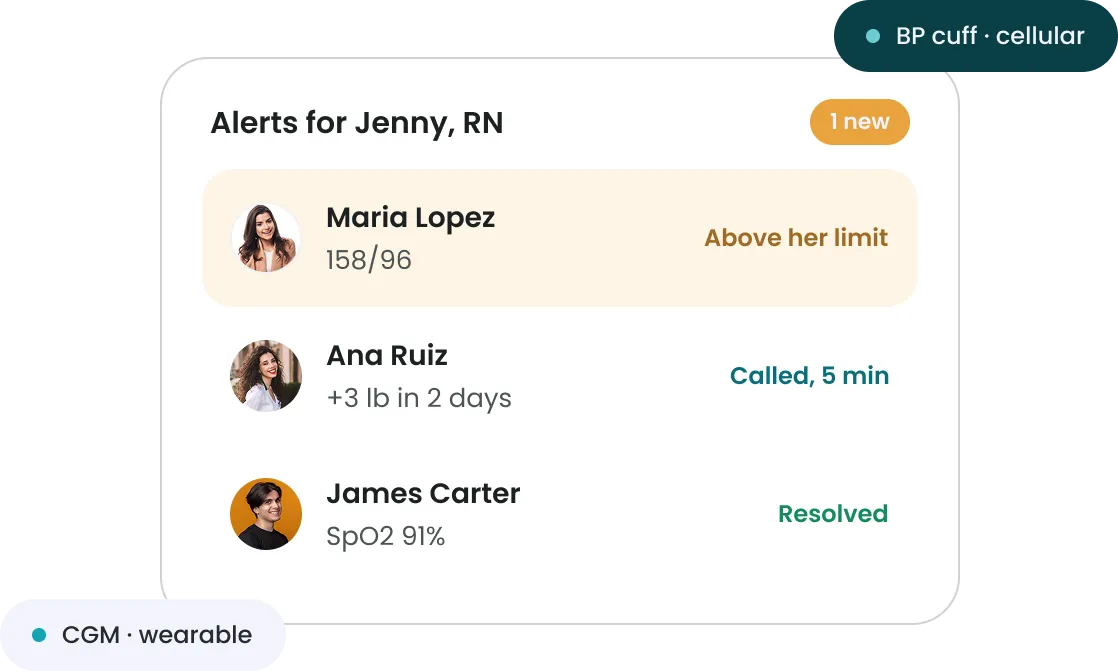
Readings come in day and night from wearable devices, such as continuous glucose monitors, and from non-wearable ones, such as cuffs, scales, glucometers, and pulse oximeters. Each reading files itself in the chart, and when a number crosses the limit you set for that patient, the alert goes straight to the nurse or medical assistant who owns them.
Let AI catch the slow changes
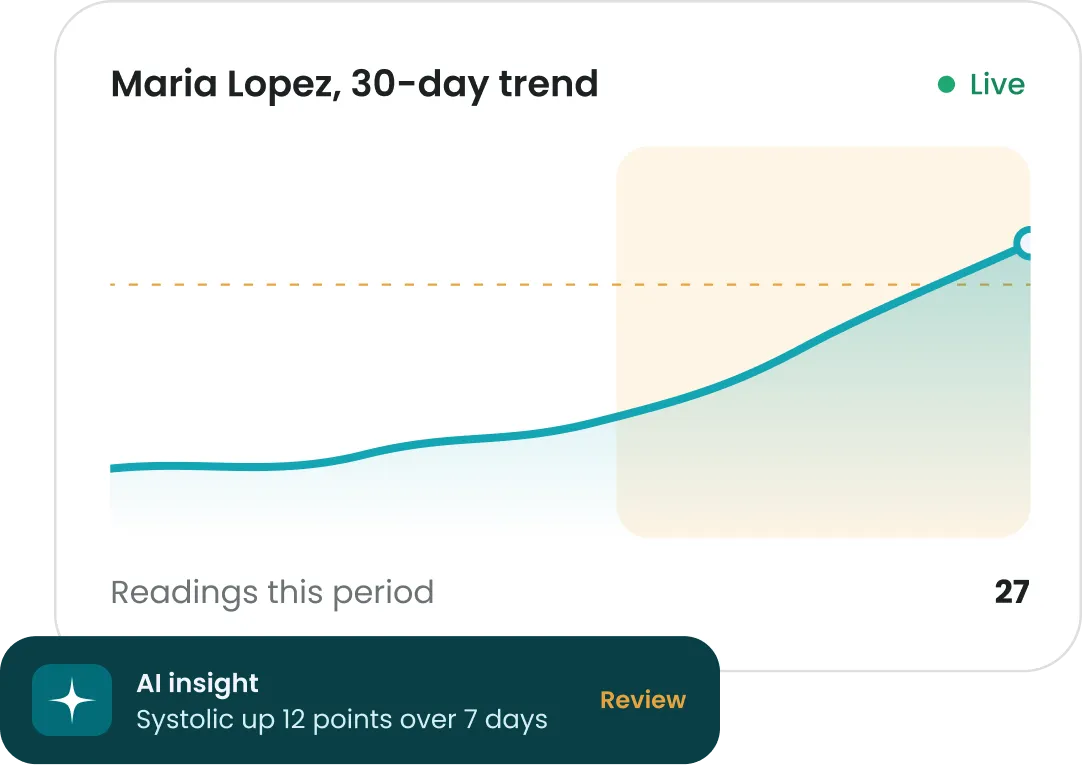
One reading rarely tells the whole story. Live dashboards show each patient’s trends the moment readings arrive, and built-in AI studies the pattern across days to flag early changes, like blood pressure creeping up over a week or weight rising fast in heart failure, often before the patient feels anything. Your clinicians review every flag and decide what happens next.
See patients face to face from anywhere
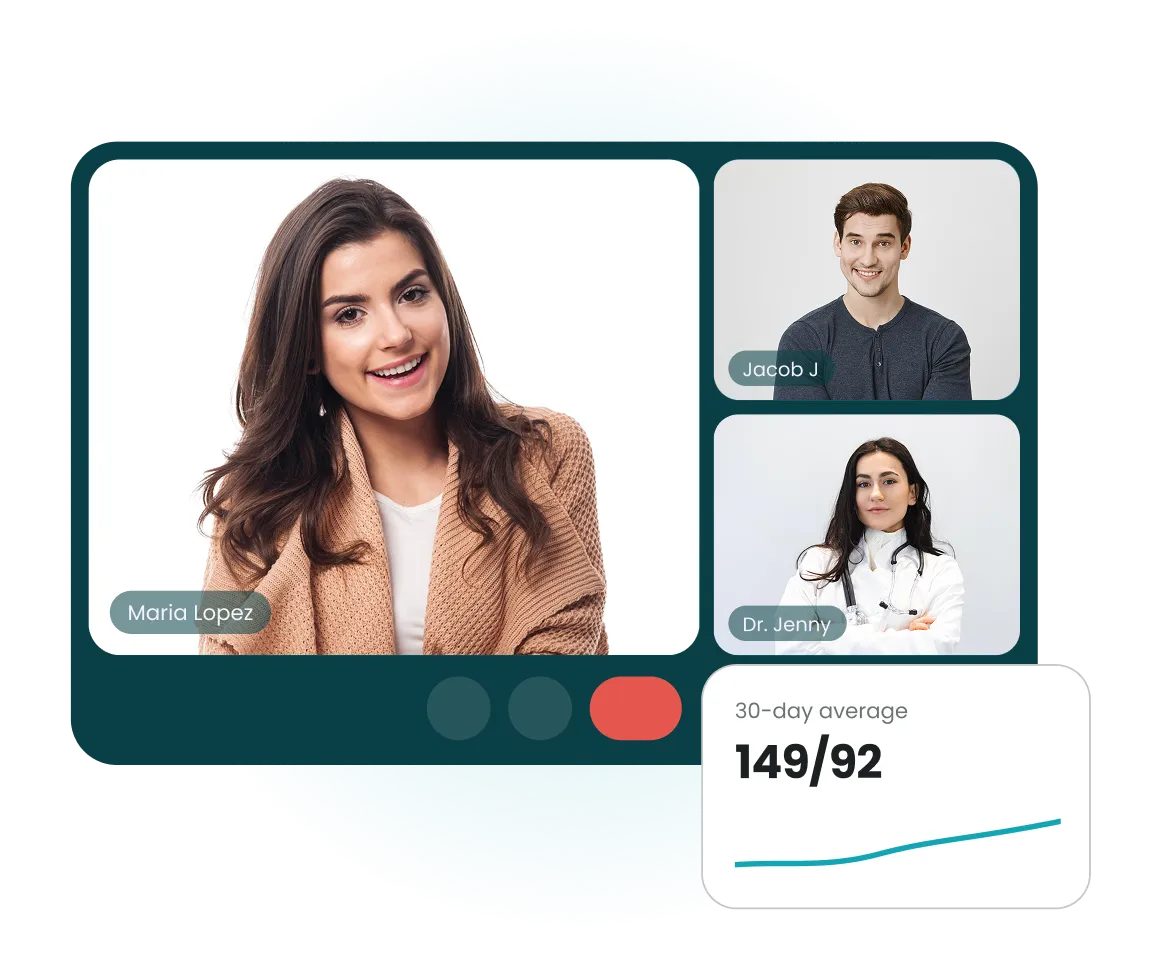
When a reading calls for a provider, staff book a video visit from the same chart. The patient joins from a browser link, a family member or interpreter can join too, and the 30-day trend sits right beside the video.
Keep medicines and habits on track
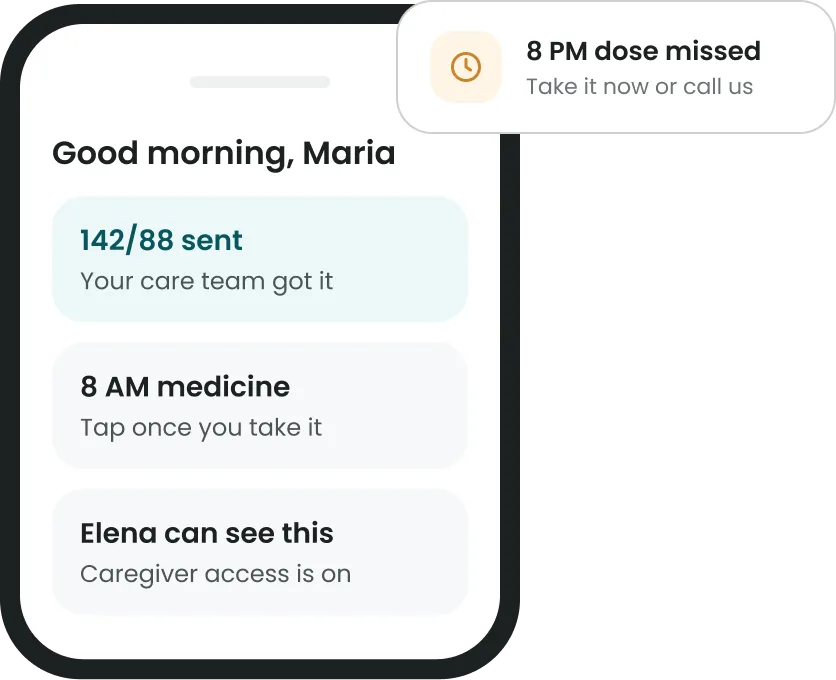
A program works only while patients keep measuring and keep taking their medicine. Smart reminders arrive at each dose time, and the software tracks which doses were taken, missed, or late. AI studies those dose patterns and flags patients who start slipping, such as a run of missed evening doses, so your team can call before it shows up in their readings.
Manage chronic conditions month after month
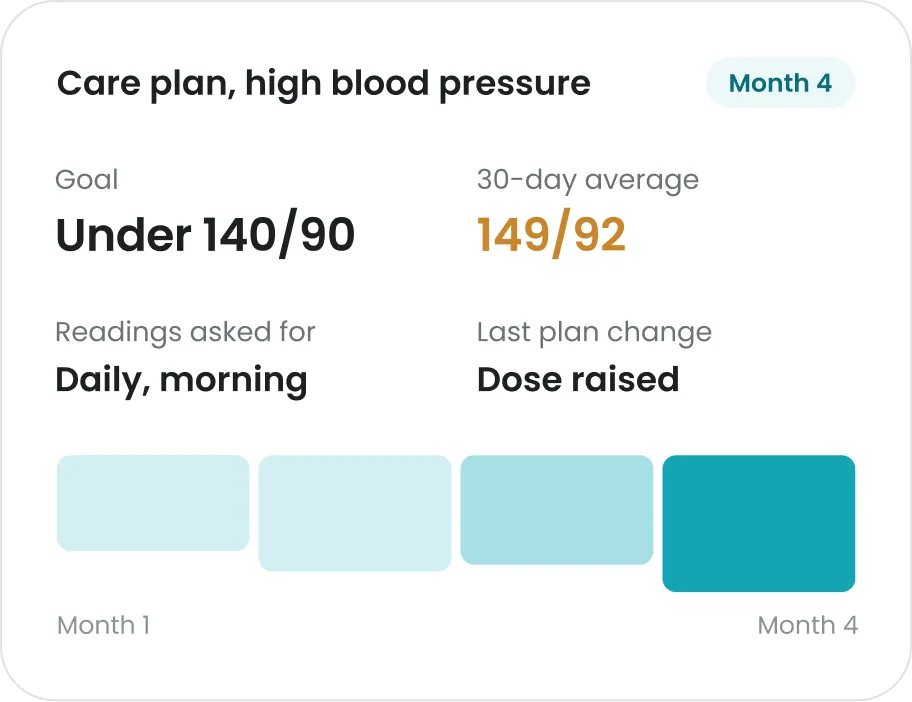
Each condition gets its own program, with its own limits, reading schedule, and check-in rhythm. As the months pass, the trend data shows whether a care plan is working, so your providers can change a medicine or a goal based on how the patient lives day to day.
Turn monitoring into steady monthly revenue
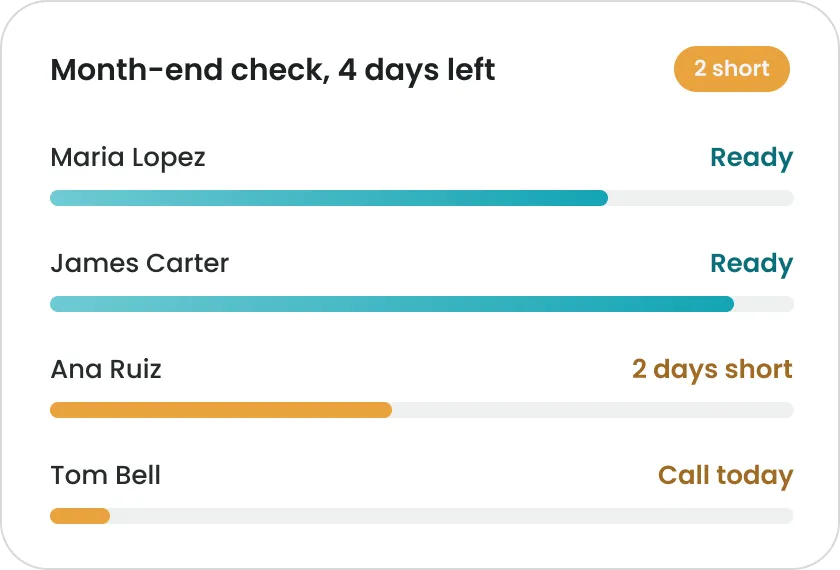
Reading days add up on their own and care minutes are logged as staff work. Under 2026 Medicare rules lighter months count too, and your billers see who is short while there is still time to reach them.
99445
NEW
2 to 15 reading days
99454
16 to 30 reading days
99470
NEW
10 to 19 care minutes
99457 + 99458
20 minutes, then each extra 20
Design RPM Programs Around Your Specialty

Primary care
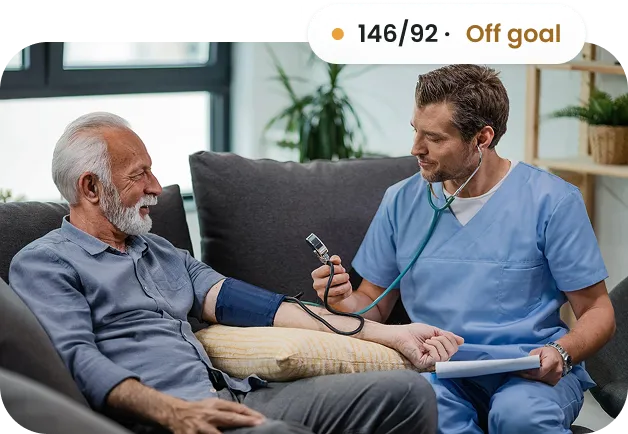
Catch high blood pressure and type 2 diabetes drifting off goal between office visits.
Devices
BP cuff
Glucometer

Cardiology
Spot heart failure weight gain over a few days, an early sign of fluid buildup.
Devices
Weight scale
BP cuff
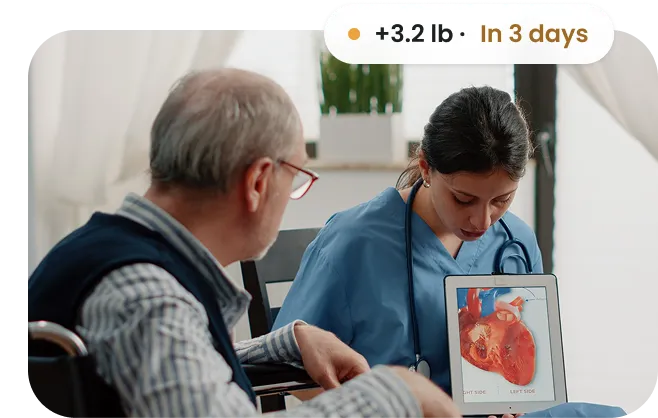

Endocrinology
Adjust insulin between A1C blood tests using daily glucose patterns.
Devices
CGM
Glucometer
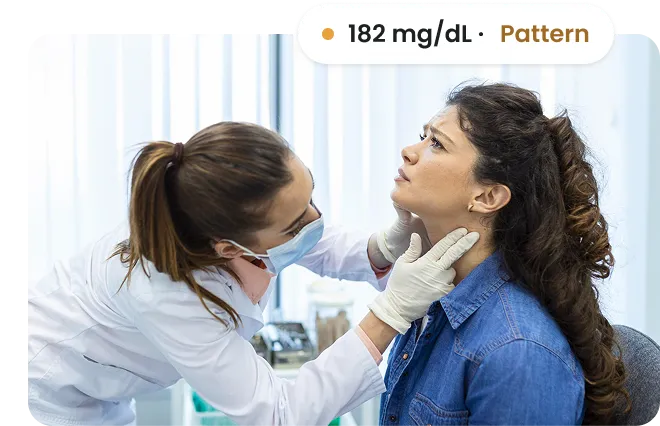

Nephrology
Track blood pressure and fluid status in chronic kidney disease between clinic days.
Devices
BP cuff
Glucometer
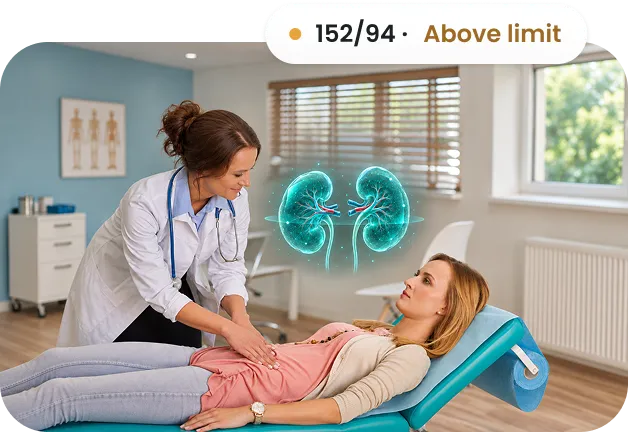

Pulmonology
See oxygen drops in COPD before a flare ends up in the ER.
Devices
Pulse oximeter


OB/GYN
Watch blood pressure during and after pregnancy with fewer trips to the clinic.
Devices
BP cuff

Go Live with Remote Monitoring in Weeks

1. Plan the program
Choose the condition, the staff member who owns alerts, and the point where an alert becomes a call or a visit.

2. Set it up together
We configure alert limits, devices, and billing rules for your practice.

3. Train and pilot
Your nurses, MAs, and billers learn in live sessions, then you enroll a small first group.

4. Grow with confidence
Add patients as your staff time allows and pick the next condition from your program reports.
Up to 4 weeks
for practices with 1 to 3 providers
Up to 8 weeks
for practices with 4 to 15 providers
Up to 3 months
for 15+ providers or many locations
Hear It From Practices Like Yours

“From implementation to ongoing assistance, their team has been incredibly responsive, guiding us through every step and ensuring a smooth transition.”

Brandy Cook, RN, FNP-C
Total Care & Weight Loss Clinic

After comparing many EMRs, I determined OmniMD was the best software for my new clinic. OmniMD is a critical tool for my practice, and their technical support team is excellent.

Dawn K. Walker, D.O.
Walker Family Medicine, PLC

It’s easy to navigate and your entire note in one page with only a few clicks to complete. Their support staff is amazing, they are always available to assist you.

Lucy Thompson
Founder, Rocky Hill Clinic
Still Have Questions?
Start Your Remote Care Program with OmniMD
Bring your own questions to a 30-minute demo. We show how your first program would run, from the first home reading to the video visit to the monthly claim.