
The Smart Kiosk That Transforms Patient Check-In
OmniMD’s Patient Kiosk empowers patients to check themselves in, verify insurance, update records, and sign consent forms, all without front-office intervention. Less waiting. More care.
Everything Patients Need at Their Fingertips
A self-service digital experience that reduces administrative burden and puts patients in control of their own intake journey.
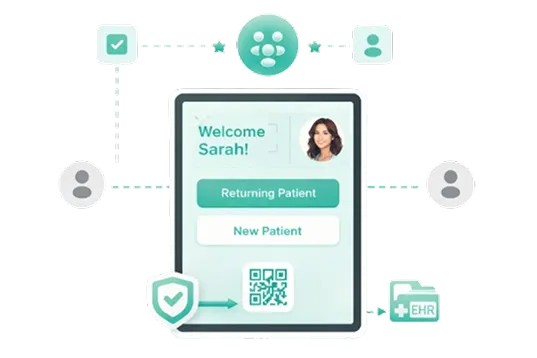
Self-Service Check-In
Patients check in independently via tablet or touchscreen, no front-desk interaction required. New and returning patients are automatically recognized.
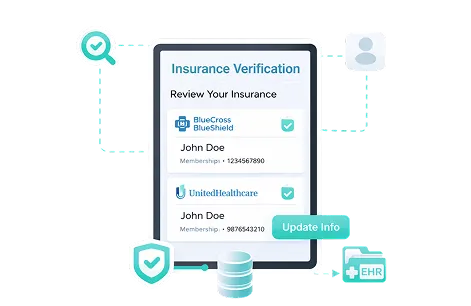
Insurance Verification
Real-time eligibility validation at check-in. Patients can review and update their insurance data, reducing claim denials and administrative rework downstream.
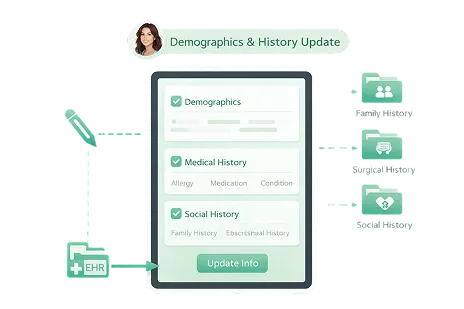
Demographics & History Update
Patients can review and correct demographic details, medical history, family history, surgical history, and social history before the physician encounter.
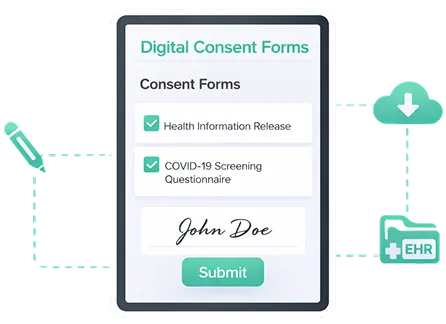
Digital Consent Forms
Paperless consent and pre-appointment questionnaires completed directly on the kiosk, signed, submitted, and synced to the patient record automatically.
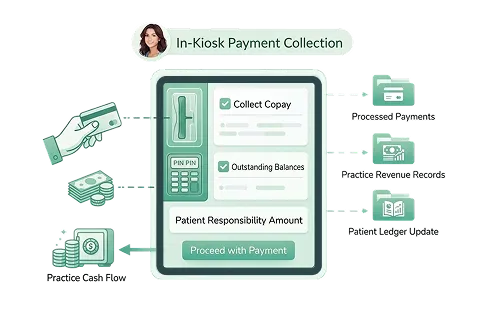
In-Kiosk Payment Collection
Collect copays, outstanding balances, and patient responsibility amounts at arrival, expediting payments and improving practice cash flow effortlessly.
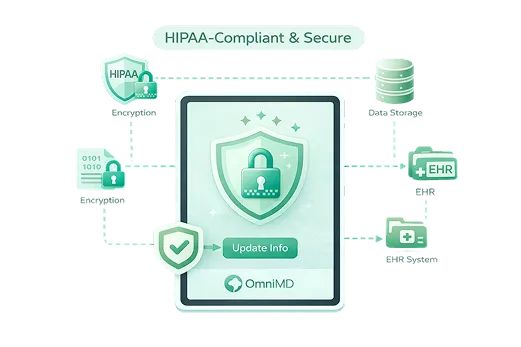
HIPAA-Compliant & Secure
All data collection and transmission meets strict HIPAA compliance standards. Patient information is encrypted, protected, and seamlessly integrated into OmniMD’s EHR.
A Seamless Check-In in Minutes
From arrival to the exam room, the kiosk guides patients through every step with clarity and speed.


Built for Patients. Designed for Practices.
The Patient Kiosk delivers measurable value on both sides of the front desk.

Dramatically Reduced Wait Times
Self-service check-in eliminates front-desk bottlenecks. Patients move through intake faster, improving satisfaction scores and appointment throughput.

Higher Data Accuracy
Patients enter and verify their own information directly, reducing transcription errors, outdated records, and costly claim rejections from incorrect demographics.

Freed-Up Clinical Staff
With intake handled by the kiosk, front-office staff can redirect their attention to complex patient needs, provider coordination, and higher value tasks.

Accelerated Revenue Cycle
Collect copays and patient balances at the point of arrival. Real-time insurance eligibility checks prevent claim delays before the visit even begins.

Paperless & Environment Friendly
Replace clipboards, printed forms, and manual filing with a fully digital intake workflow, reducing overhead costs and supporting sustainable practice operations.

More Time for Patient Care
With clinical context already captured before the encounter, clinicians spend less time on paperwork and more time delivering quality, patient-focused care.
Part of a Fully Integrated Healthcare Platform
The Patient Kiosk doesn’t operate in isolation, it’s a connected module within OmniMD’s comprehensive suite of over 18 clinical, administrative, and financial tools built for 20+ medical specialties.
Data captured at check-in flows directly into the EHR, PMS, and RCM systems, creating one unified patient record with zero duplication.